|
|
|
|
|
|
|
|
Here are the body shots for the creatable characters.
If you want to get a perspective on the SIZES make sure to look at the character as compared to the faded square in the background, and also the gray top-bar to the charcreate screen. See a silverey line at the top of a shot? That means it's the top of my Windows Window that the game is running in.
Remember that the eye glitch is still in effect in all these shots, and also the body sliders are visible in the shots where you need to see them. The bar changes height and the cross-grid changes weight.
|
|
|
|
 |
 |
 |
 |
|
|
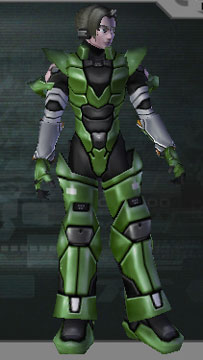
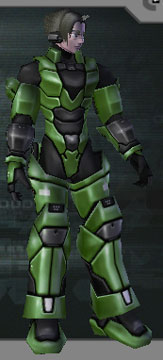
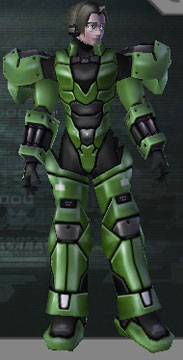
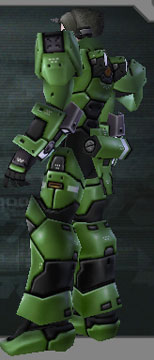
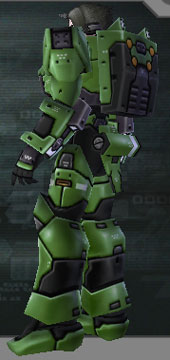
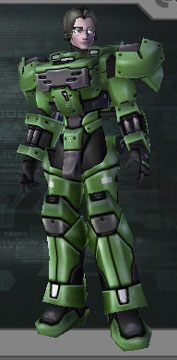
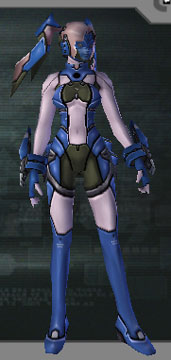
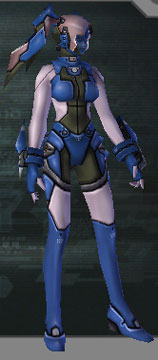
Here are the 3 different arm shots for the casts. They're all taken with the 'slim RAcast' feet. The first are RAcasealish with mini-sheilds on the sides and skin-exposed shoulders. The second are all mechancial with a less blocky forearm. The third needed 2 shots so you could see how the boxy-er guards go. Notice the canister on his butt on the last one. It is mandatory with that leg-set. |
|
|
 |
 |
 |
 |
|
|
| Here are the RAcast torsos. As you can see, they reinstated the 'big backpack' and the boxy chest. However they added a sort of crotch-prong that is 3D and kind of odd... |
|
Here are 2 Caseal torsos. One has her artificial belly-button, and the other has a semi-closed front with totally exposed skin back. The legs are the ones that produce a small tail and hip tubes. |
|
 |
 |
|
|
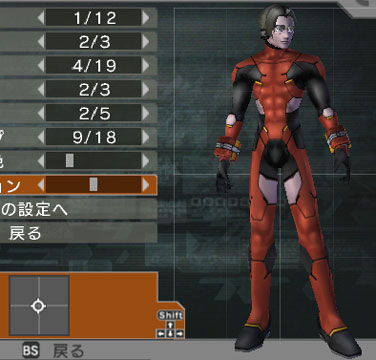
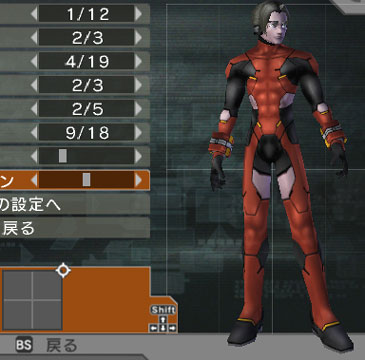
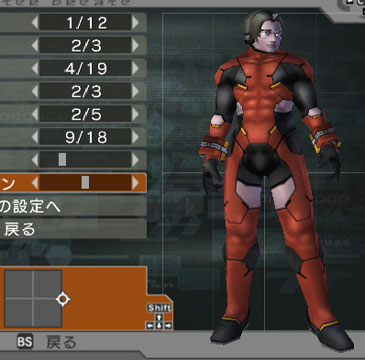
Here are 2 Casts, who should be COMPLETELY DIFF but they are not. Look at the position of the grid loop on both, and then notice how similar the guy is. Where the heck is the actual 'change' in the changer? |
|
|
 |
 |
 |
|
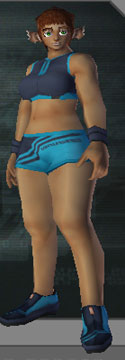
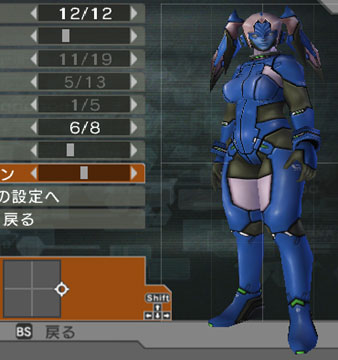
| Where's the buffet? You can get a whole smorgasboard of overweight guys! And you can even sculpt the lovely lard with our handy loop. Males and females get fat the same way, so if you've seen 1 you've seen 'em all. At least the fatness looks better here, than in PSO. Notice the Caseals' very wrinkly forehead lines. Interesting! |
|
|
 |
 |
 |
|
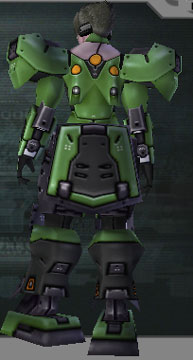
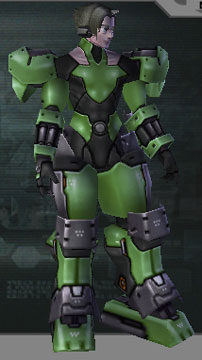
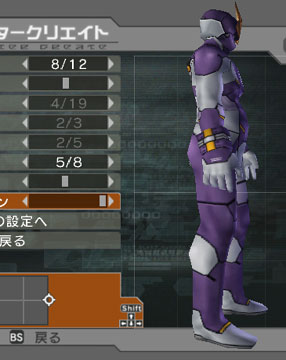
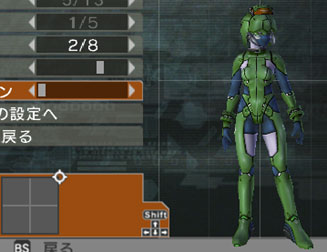
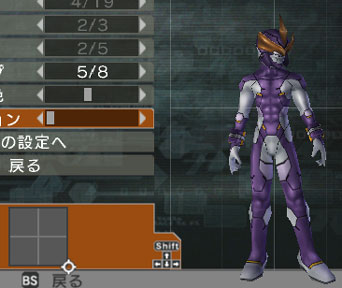
| Here are the really RAcastish legs. Notice they have a blocky butt flap. The torso used here is the 'fleshyest' one that a male cast can have. The purple guy lets you inspect his fatness from the side. |
|
 |
 |
|
|
| Here are 2 of the shortest androids you can make. Remember: You are looking at them in relation to the on-screen graphics rather than the cut of the shot! The grid is there to help you along. |
|
|
 |
 |
 |
 |
|
|
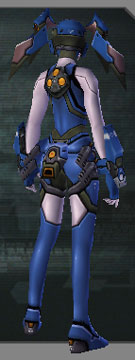
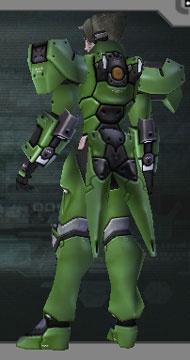
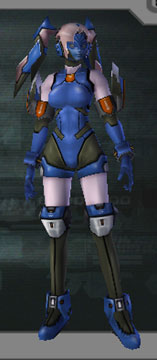
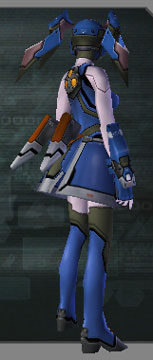
The first shows the 'mini-tail' on a Caseal with the 'shirt-like' torso. The next is the 'coat-tails' which come with the HUcast-like legs. The third has a return of "RAcaseal Arms", and the fourth gives her the old familiar skirt and bow. Notice the bow: it is levitating. |
|
|
 |
 |
 |
|
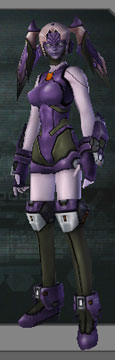
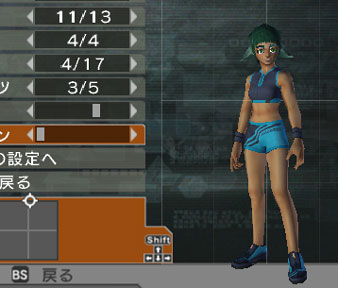
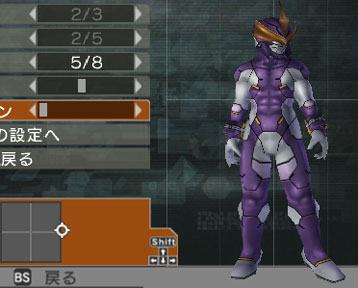
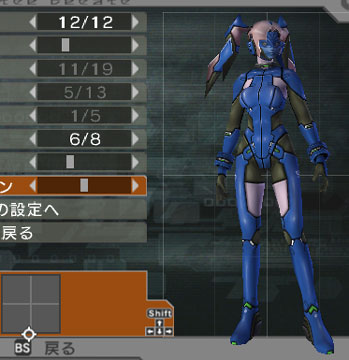
| The final legs for RAcaseals come with fun boots and a sort of leotard looking shorts. The beast girl is the shortest she can be. The purple cast is at his fattest and shortest. |
|
|
|
 |
|
|
|
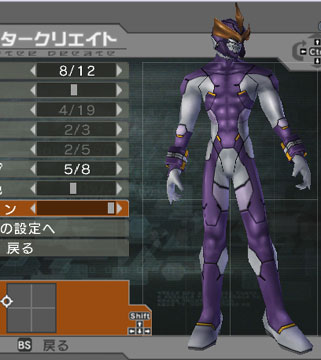
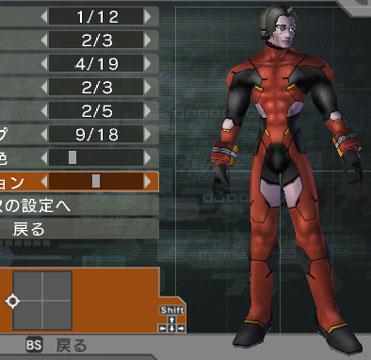
| Here is the Cast as a thinner kid-size to compare to the fat one above. The girl has the 'boob' setting to maximum. |
|
|
 |
 |
|
|
Let's try to make a really wide cast! Or not. See in the first one, you might think that the "tallness" is diluting the wideness. So the second shot is there to illustrate that it's not. Also look where their heads are in relation to the gray bar at the top for the heights. |
|
|
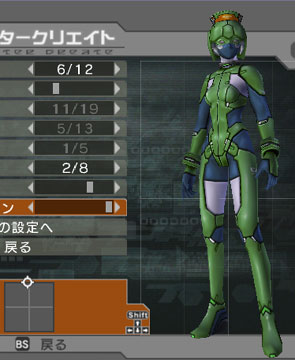 |
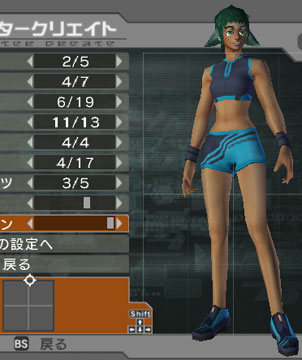 |
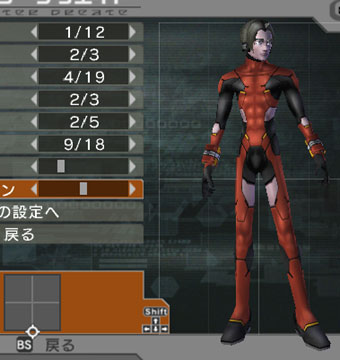 |
|
|
3 of the tallest, thinnest people you can get. Notice that the guy is like a rail compared to the girls, and remember that height does not alter width in these cases so it doesn't matter where their height-sliders are. They are all in their respective "Underwear" modes for comparison purposes. |
|
|
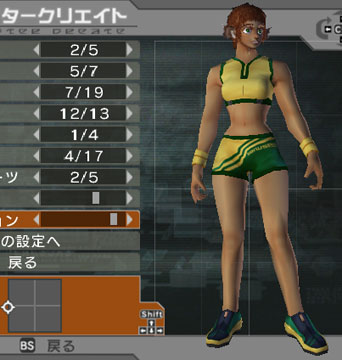 |
 |
 |
|
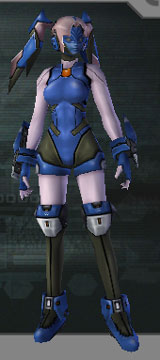
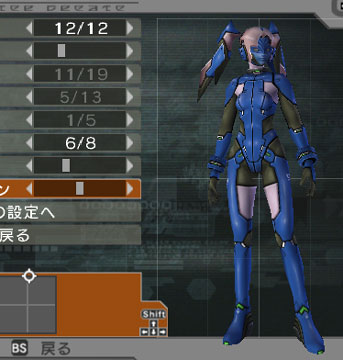
| First: the most 'athletic' build you can get on a beast girl. 2nd, a wide shot of a caseal with 'max boob' and wrist cuff arms. The last caseal is at minimum boob and medium height so you can compare. This is the end of body shots, as it's pretty much all you can do. The slider's been pretty much all over everything, BUT many of the areas upon it produce THE SAME GUY (or girl) despite an almost opposite position. WHY? |
|
|
|
|
|
|
|
|
|
|
|
|
|
|
|
|
|
|
|
|
|
|
|
|
|
|
|
|
|
>